Tutorials
Each tutorial builds a complete model in the GUI, click by click, and ends with Check the results: the numbers you should see, compared with a closed-form solution, a benchmark or theory. The same models run in the automated test suite, so the numbers hold for the version you’re using.
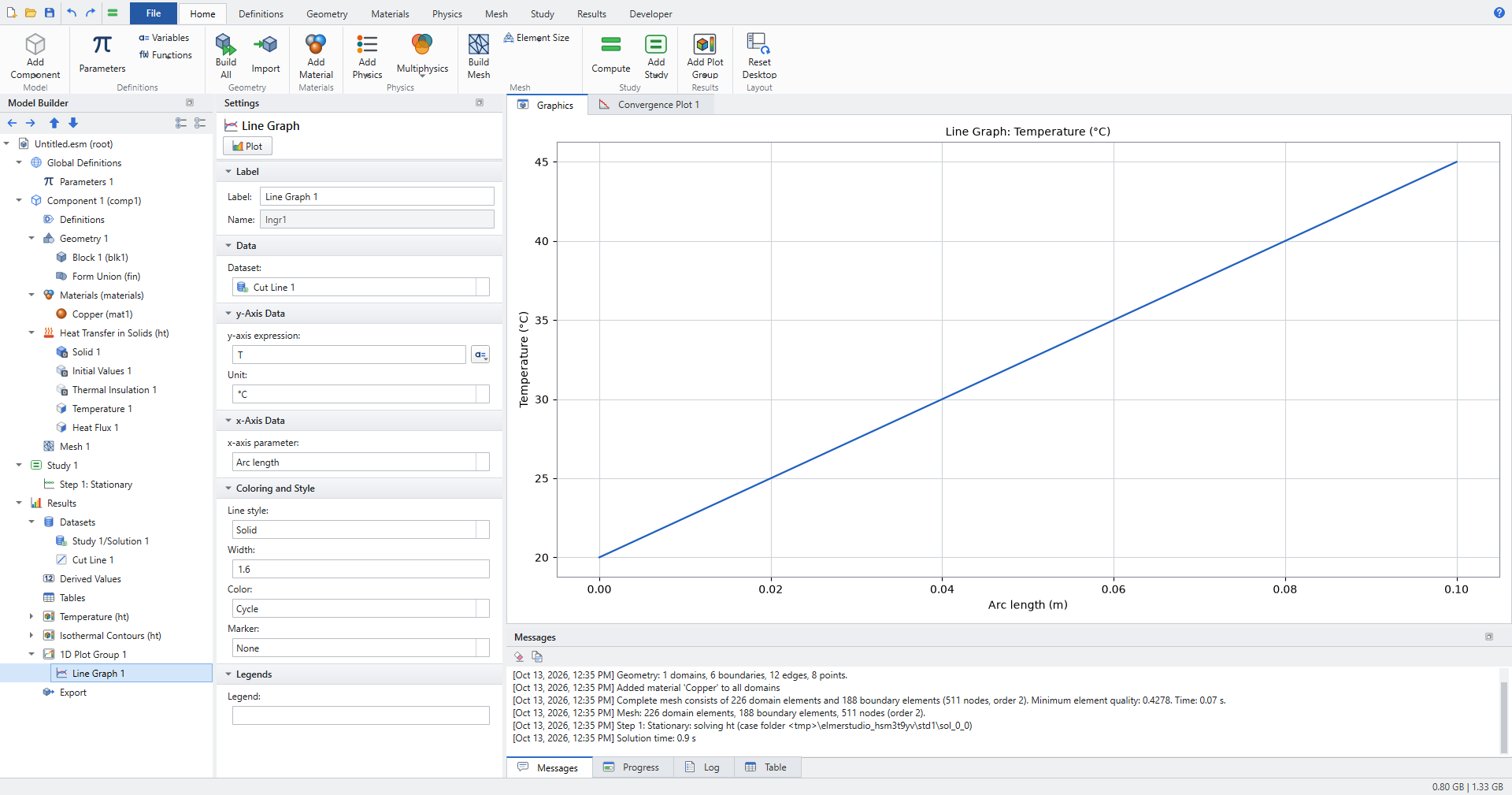
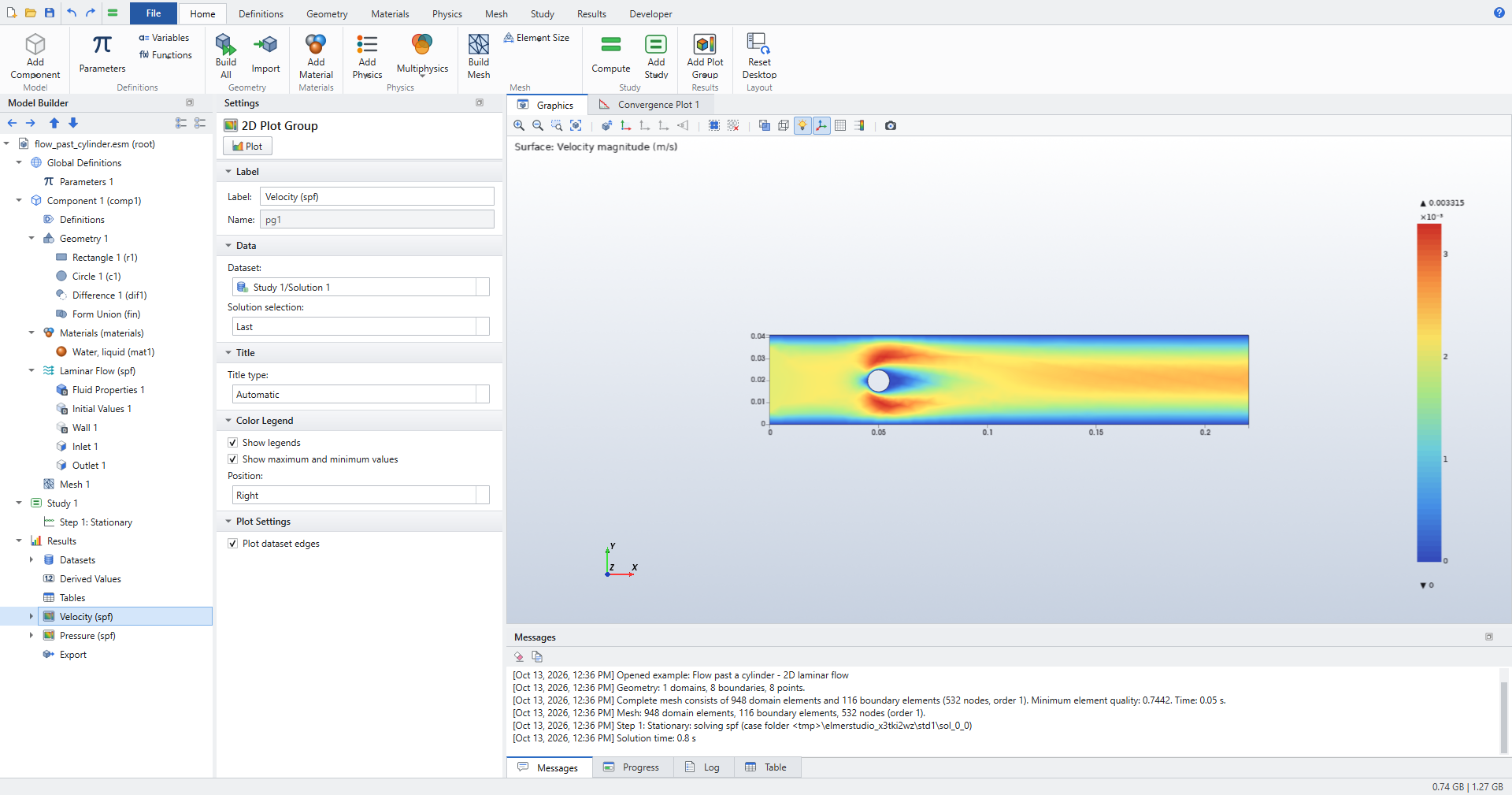
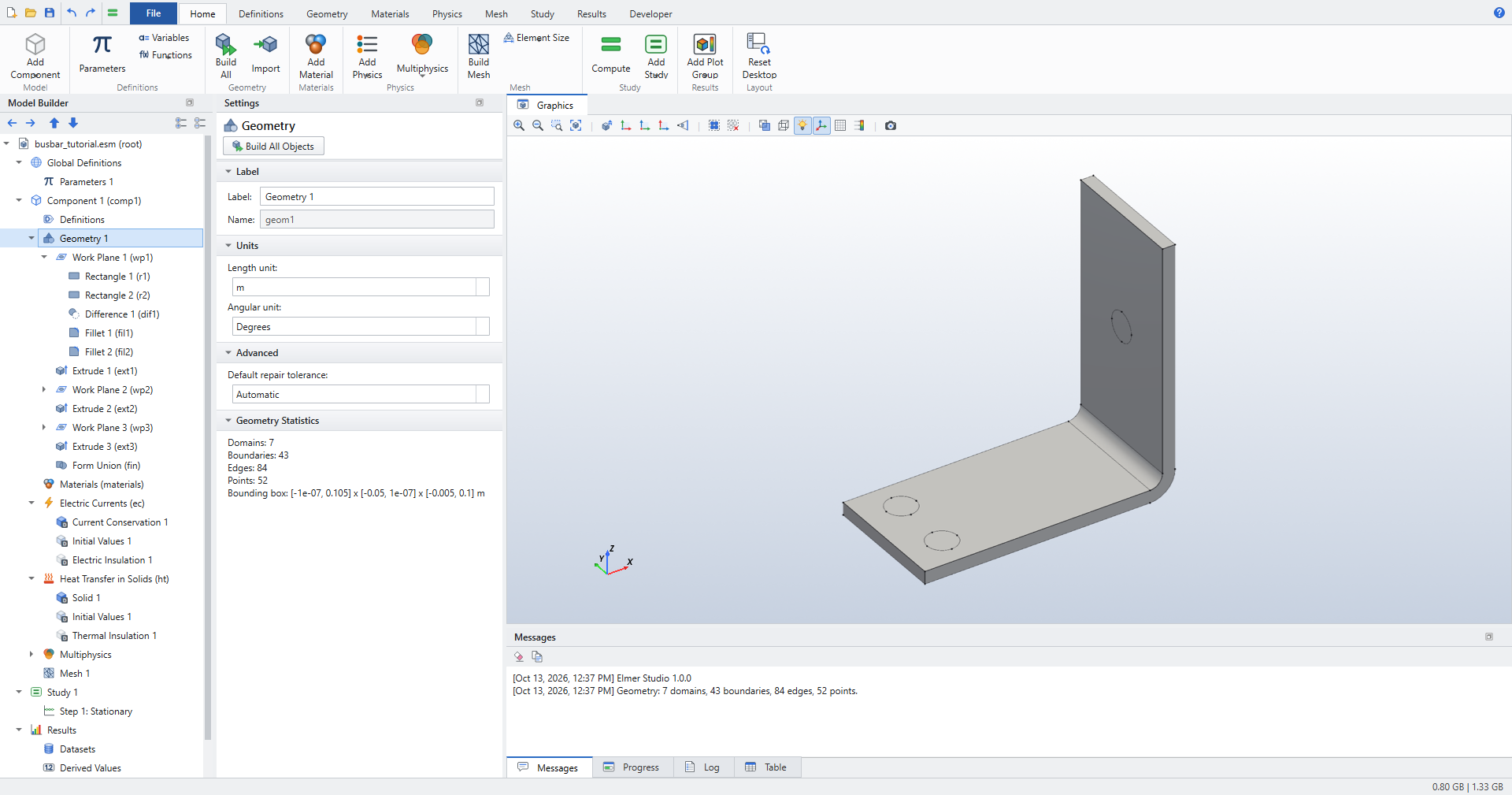
Work planes, fillets, extrusions, electric currents with heat transfer, a parametric sweep and coupling operators.
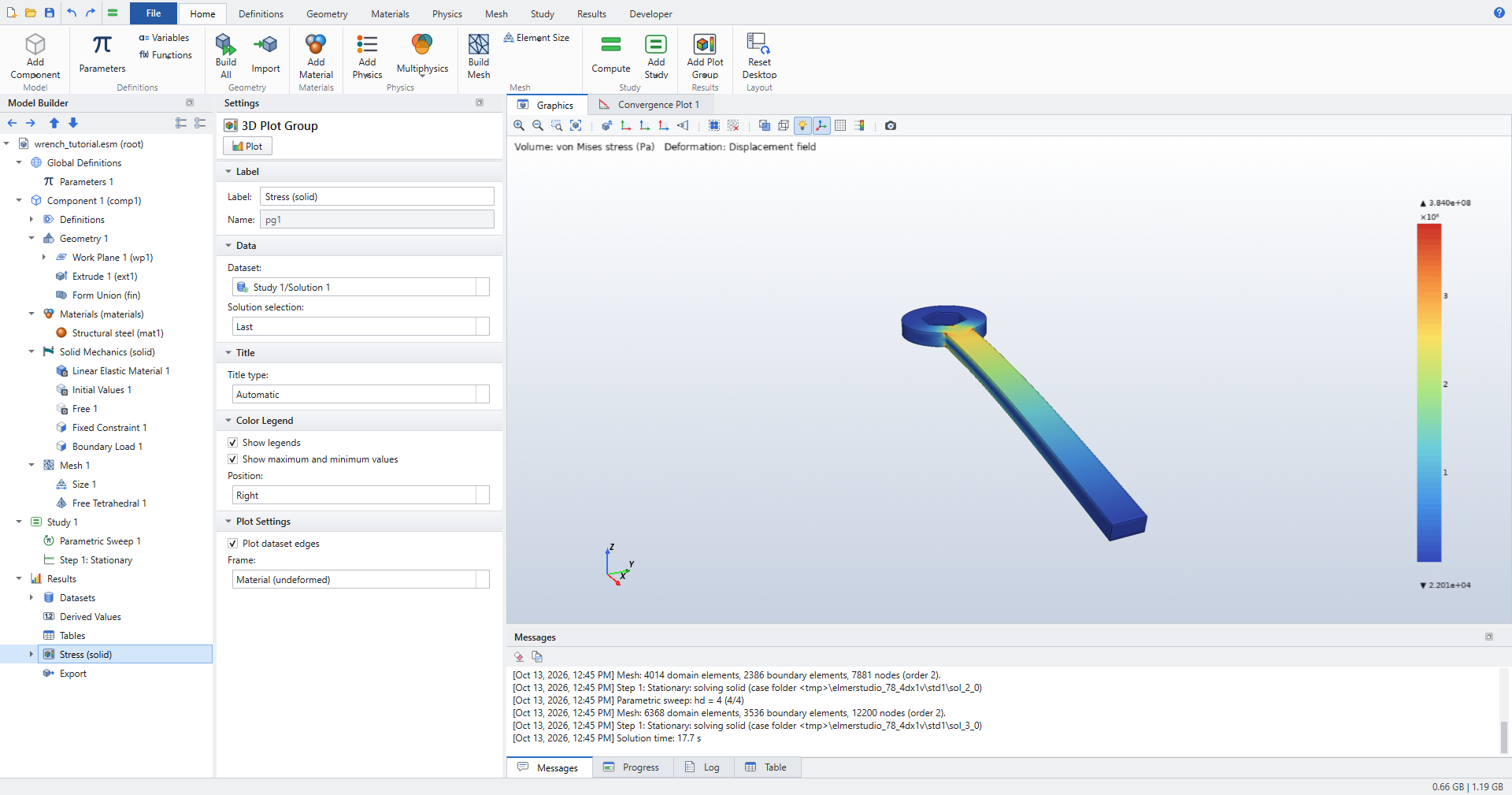
A total-force load, von Mises stress, a safety plot and a mesh convergence sweep.
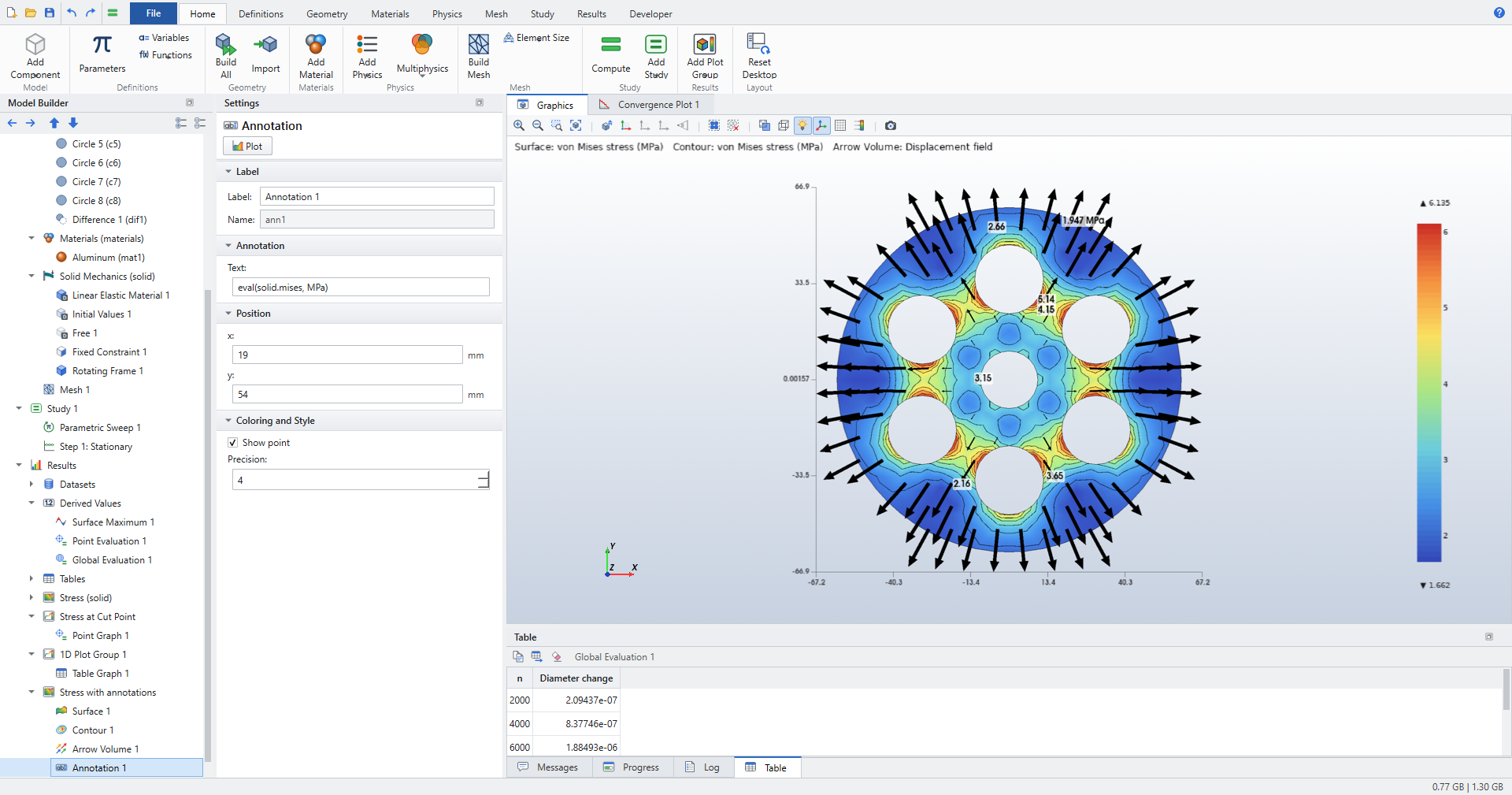
A spinning pulley, a heat sink and a coil: cut points and planes, isosurfaces, streamlines, extrusions, revolutions and polar plots.
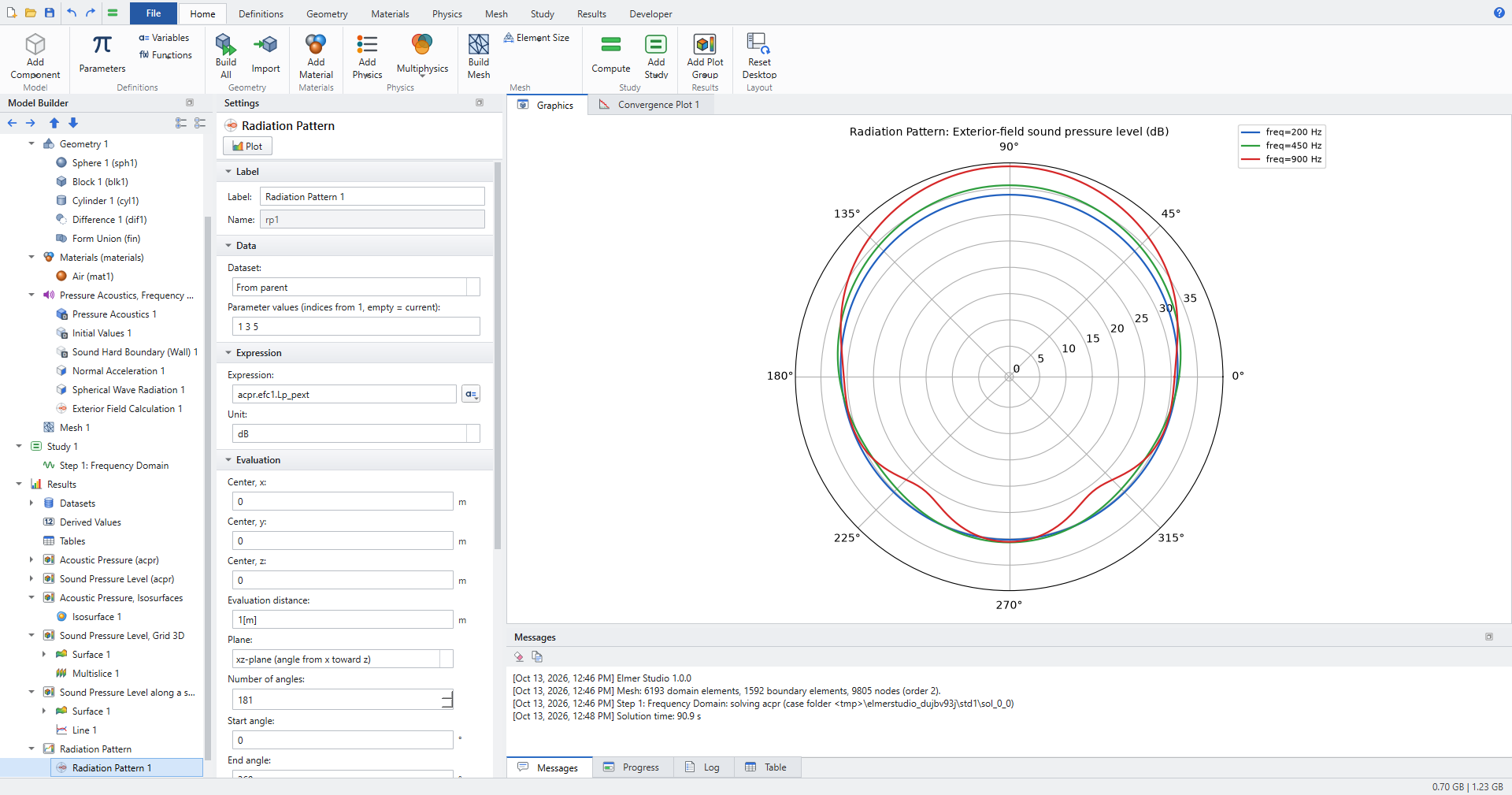
A pulsating sphere, a spherical scatterer and a loudspeaker: exterior fields, radiation patterns, directivity.
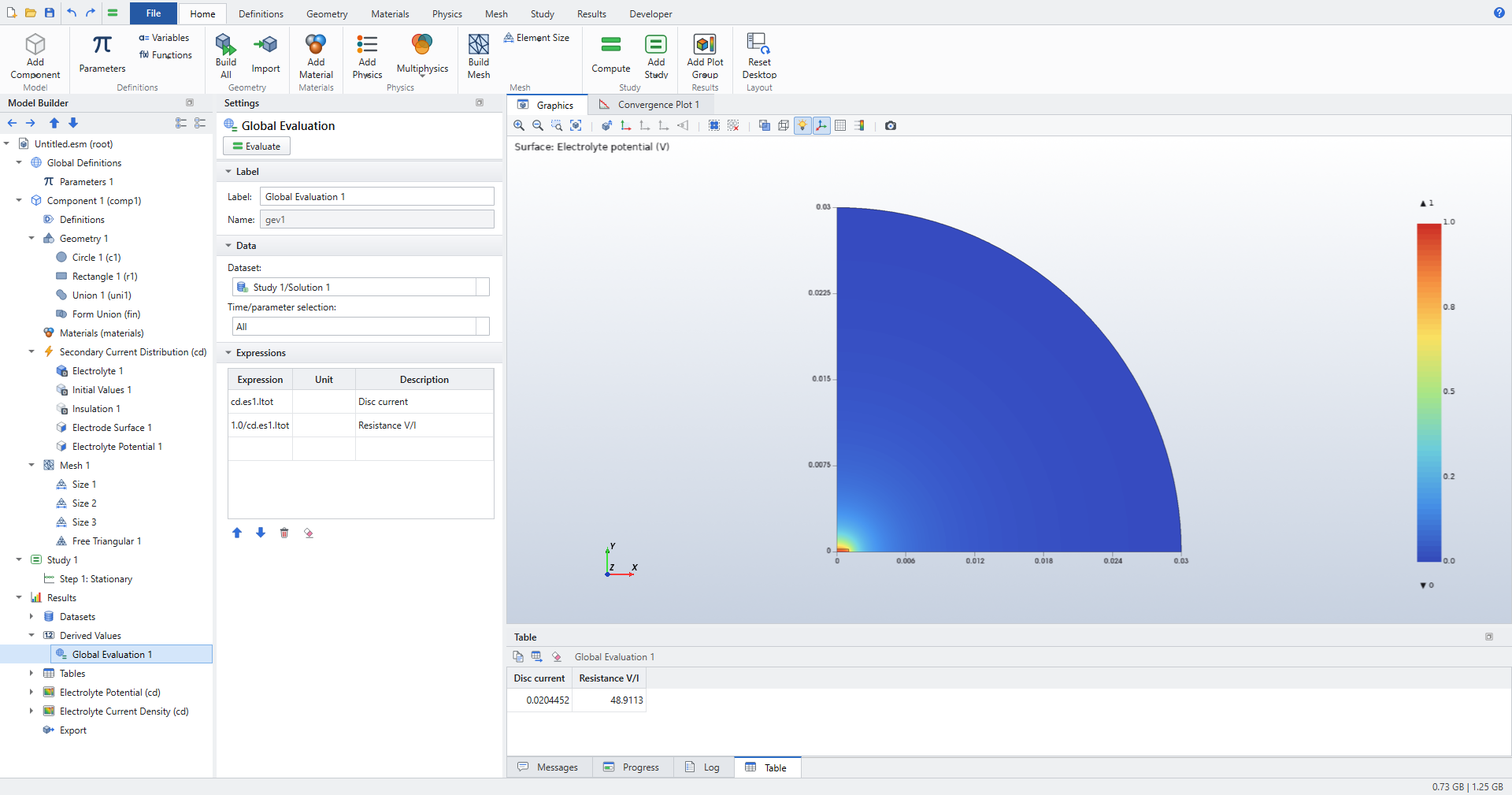
Butler–Volmer kinetics, polarization curves, Newman’s disc electrode, a tertiary Nernst layer and a wavy anode.
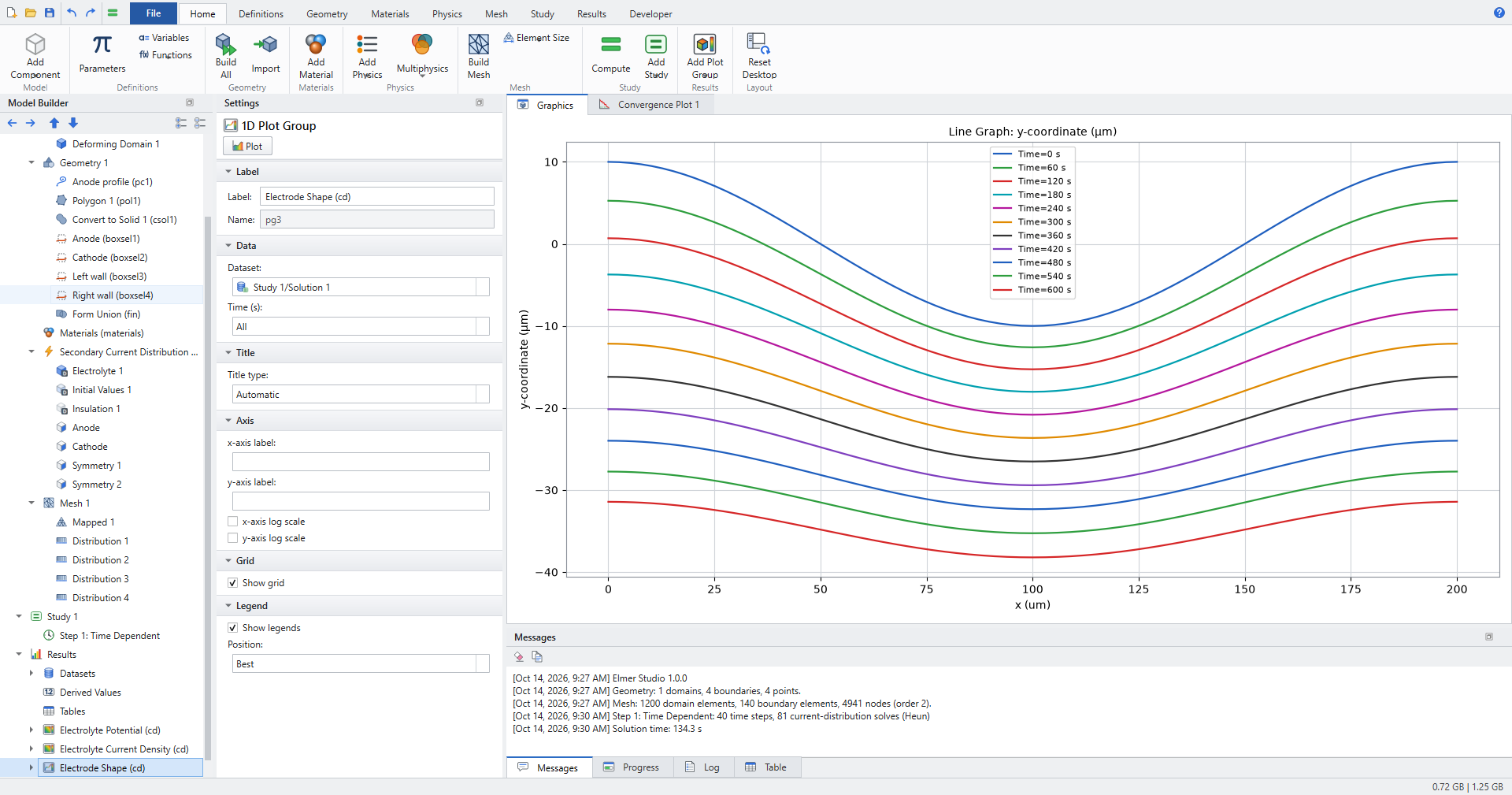
A rough anode dissolves and levels out: a moving boundary, its mesh, and the analytic levelling law.
Suggested order
-
Quick start, for the workflow.
-
Busbar, for 3D geometry, multiphysics and sweeps.
-
Postprocessing, for results.
-
Then the tutorial of your field: solid mechanics, acoustics or electrochemistry.